Strava for mountain biking: segments, routes and GPS
- Mtb life
- November 15, 2018
Strava is available on the web and on mobile, bringing together outdoor activity recording and a social community. It has plenty to offer mountain bikers, whether they ride cross-country, enduro or all-mountain. This guide explains what I use Strava for when mountain biking.
The original article was published in 2018. Screenshots may show an older interface; the notes about Live Segments and exporting below have been checked against the current official help pages. Features can vary by account, device and app version.
Recording and storing MTB rides: phone or watch?
You can record a ride using the phone app or a compatible watch or bike computer, then upload the activity to Strava. For example, a Garmin Fenix can record an activity in the Garmin ecosystem and send it to Strava after the accounts are connected. The product link is an affiliate link.
On a phone, choose the appropriate cycling activity and begin recording once the GPS is ready. Auto-pause can help account for stops. Recording a GPS trace does not itself require mobile coverage, but phone location permissions, battery settings and the recording app must be configured correctly.
At the end, save and name your ride. You can add photographs, and followers can see activities you share, give kudos and comment according to your privacy settings. Strava is also a sporting social network.
Using segments to follow progress and compare efforts
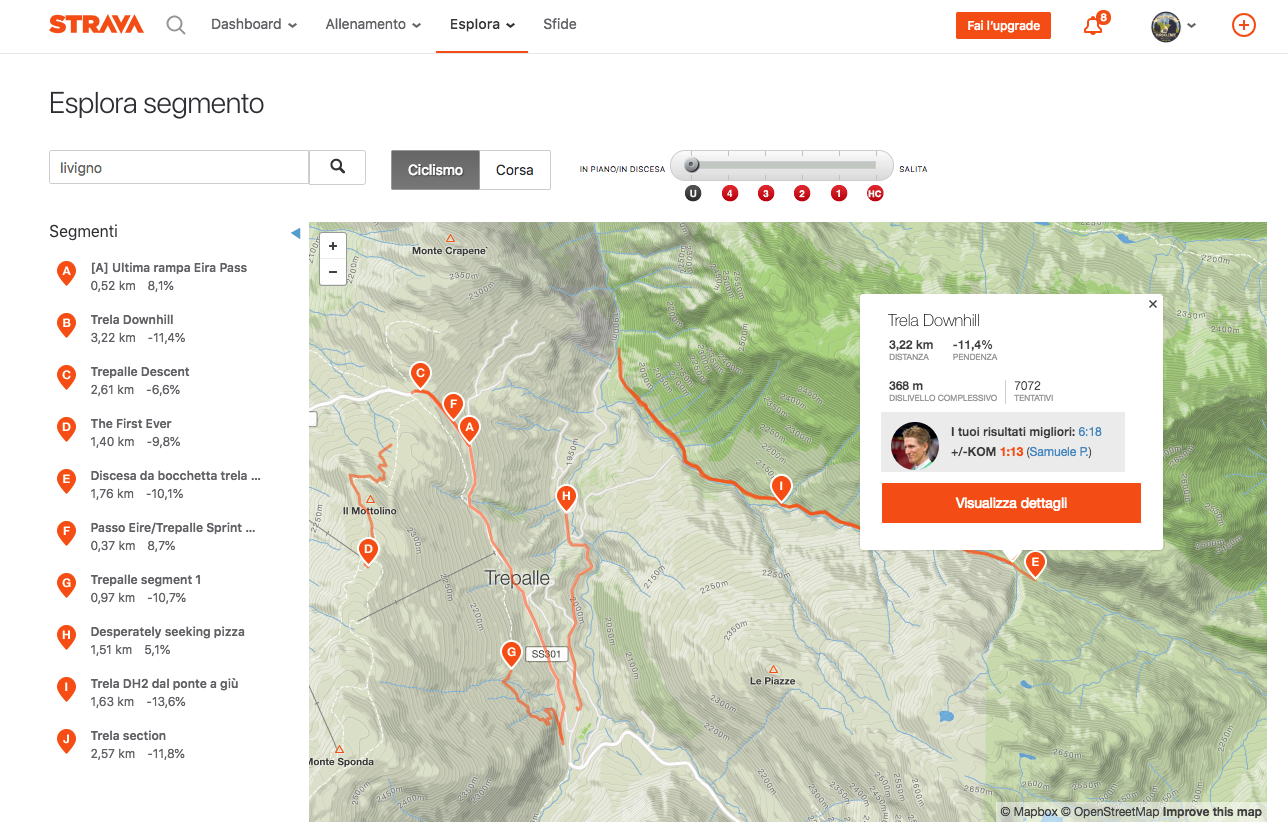
As you ride, you may cross one of Strava’s familiar segments: a defined section with a start and finish. It can be uphill, downhill or level. Examples include:
- A favourite descent, a bike-park run or a trail behind your home.
- A climb from a car park to a refuge, or a ramp between two recognisable landmarks.
- A loop used to compare repeated efforts.
A segment is a timing reference, not proof of access rights, trail condition or suitability for your riding skills.
Creating a segment and choosing accurate endpoints
A segment is created from one of your own recorded activities on the Strava website, rather than drawing an entirely new path. Choose the start and end, check for similar existing segments, then name it and choose the appropriate visibility. See Strava’s segment-creation instructions.
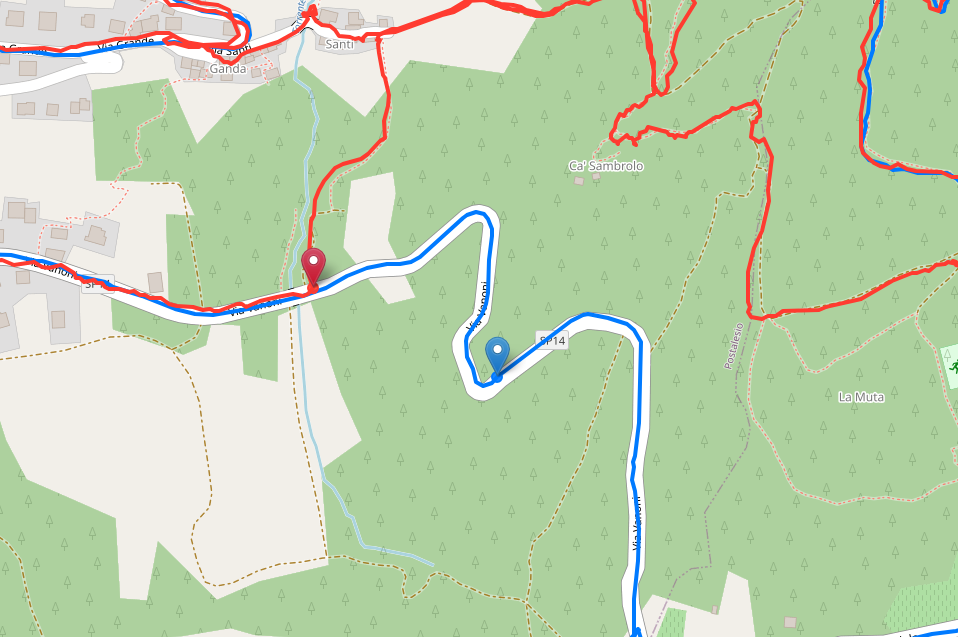
Trees and map detail can make it difficult to identify the exact start and finish. The original article suggested making short perpendicular movements at each endpoint to recognise them later in the recording. Treat that as a historical field trick, not a reason to leave a permitted trail, ride into unsafe terrain or manipulate the recorded effort. Recognisable landmarks and a good-quality GPS recording are preferable.
Segment results: KOM, QOM and personal records
Some common terms are:
- KOM: King of the Mountain, the leading recorded time in the relevant leaderboard.
- QOM: Queen of the Mountain, the corresponding women’s leading time.
- PR: personal record, your fastest recorded effort on that segment.
- Trophies: achievements such as a top-ten leaderboard result, as shown by the applicable interface.
The leading time on one segment does not establish who is the strongest rider overall. Conditions, recording quality, categories and the segment itself all matter.
Free accounts and subscriptions
The old article described Live Segments as a Premium-only feature. Strava’s current mobile help says that free athletes can also use Live Segments, while subscribers get additional comparison screens. Popular and starred segments can prompt an announcement and a display of progress.
Strava also states that downhill segments are not synced to devices for Live Segments. Do not assume that every descent appears in the live experience. Times shown while recording are preliminary and can differ from the final uploaded result.
See the official Live Segments explanation for supported activities, settings and account differences. Concentrate on the trail and other users rather than watching the screen while riding.
Planning routes with Strava
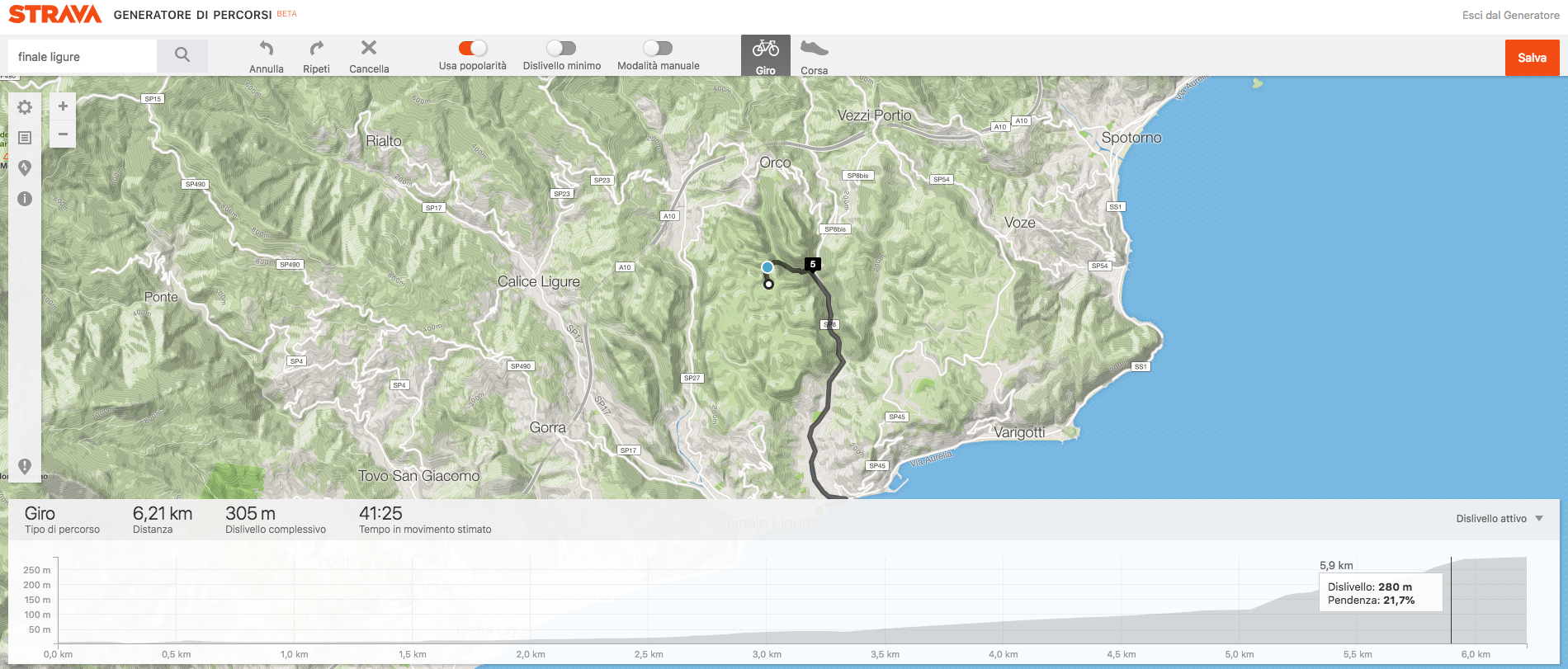
I enjoy using a route planner to sketch an outing and understand its distance and ascent before leaving. On the map, you can join paths into a proposed route, review the result and, where the available account features allow, export or transfer it to a suitable GPS device.
Automatic routing is a planning aid. It does not confirm that a trail is maintained, legally accessible or rideable. Check the actual route rather than assuming that a line on the map is a verified MTB itinerary. Route-building availability and account requirements can change.
Learning from other riders’ routes
I follow riders whose outings interest me in the places I want to visit. When planning a Sardinian holiday, for example, I look for local rides and consider whether their riding style resembles mine. Segment searches can help discover those riders and their activities.
Use the sharing, route and export options made available by the account and activity owner. Respect privacy settings; an export option for your own activity does not mean that every other rider’s activity is downloadable.
For your own GPS activities, the Strava website offers Export GPX in the activity’s menu. The downloaded file can be used with compatible GPS software or devices. See Strava’s data-export guide. The older suggestion of a browser extension is not needed for this official export method.
GPS errors and other Strava problems
Strava relies on recorded GPS data, which can contain gaps and inaccuracies.
An effort does not appear on a segment
The recorded path may not match the segment closely enough, or processing may not yet be complete. The original article suggested a fixed ten-per-cent matching threshold, but did not establish it: do not treat that as an official rule.
Two riders get different distances or elevation totals
In a narrow valley or canyon, or under difficult reception conditions, a device may lose its position and then reacquire it inaccurately. A sideways jump on steep terrain can also produce an implausible elevation change. Different devices and processing methods can therefore produce different totals for the same outing.
A GPX recording is useful evidence, but not a perfect measurement of every metre ridden.
More MTB navigation guides
For me, Strava combines training motivation, a record of past rides and ideas from other riders. If you have a contribution to this guide, contact Turbolince.
Discover our sports and tourism map-creation service (website in Italian).