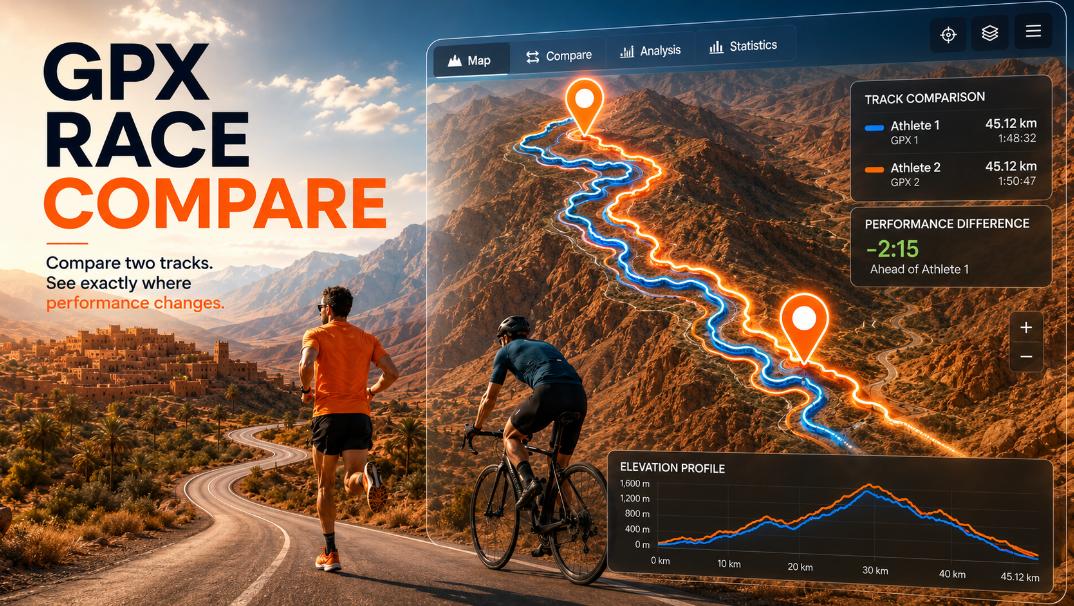
GPX Race Compare: compare two GPX races in real time with animation
- Mtb life
- May 14, 2026
Have you ever wanted to see exactly where another rider gained time on you during a race?
Or compare your latest performance against:
- last year’s race
- a friend
- the race winner
- a training partner
- your own older activity
GPX Race Compare was created exactly for this.
What is GPX Race Compare?
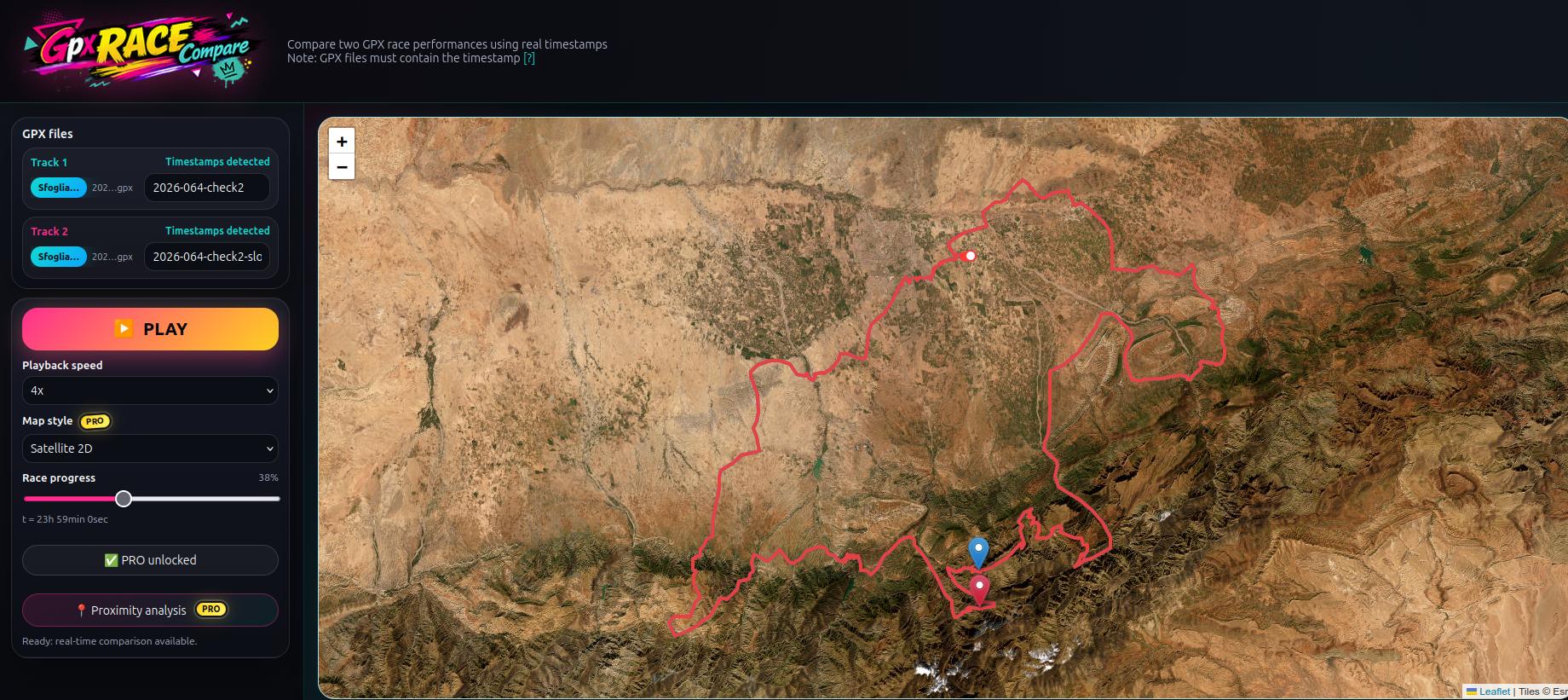
GPX Race Compare is a web tool that lets you compare two GPX activities in real time using the original GPX timestamps.
Instead of only looking at total time, you can actually watch both riders move on the map and understand:
- where the gap increases
- where someone accelerates
- where someone slows down
- where time is recovered
The replay follows the real timing stored inside the GPX file.
Who is GPX Race Compare for?
The tool is useful for many different situations.
MTB and XC riders
Compare your race against:
- the winner
- another category rider
- a friend
- your previous season performance
Gravel riders
Understand pacing differences during long races and see where riders start losing time.
Trail runners
Compare pacing, climbs and recovery sections during races or long runs.
Coaches and trainers
Analyze athlete pacing and identify where performance changes during the activity.
Friends and training groups
Replay two rides together and see who was stronger in different parts of the route.
A practical example
Imagine you completed running race. You follow other riders on Strava and one of them uploads the same race activity publicly.
You can:
- export your GPX file
- export the other rider GPX
- upload both files into GPX Race Compare
At that point you can replay the race and discover:
- where they attacked
- where you recovered time
- where the gap increased
- who was stronger on climbs or technical sections
This creates a much more visual and realistic comparison than simply checking the final race time.
Why GPX timestamps matter
GPX Race Compare uses the timestamps stored inside GPX files.
This is important because timestamps allow the tool to reproduce:
- real accelerations
- slowdowns
- stops
- pacing variations
Without timestamps, a GPX replay becomes only an approximation.
For this reason the tool works best with GPX files exported from:
- Strava
- Garmin
- Wahoo
- Coros
- Suunto
- Polar
What can you do with GPX Race Compare?
Main features include:
- compare two GPX races
- replay activities in real time
- adjust playback speed
- manually move through the race timeline
- visualize who gains or loses time
- compare activities from different years
You can also compare:
- training sessions
- test rides
- repeated climbs
- race simulations
Compare your races visually
Traditional GPX analysis usually shows:
- numbers
- splits
- average speed
GPX Race Compare instead focuses on visual race replay.
Seeing two riders move together on the same route often reveals details that are difficult to understand from raw data alone.
Try GPX Race Compare
If you want to compare two races visually using real GPX timing data, you can try the tool here: