New GPX Race Compare features: proximity analysis, satellite maps and advanced race replay
- Mtb life
- May 20, 2026
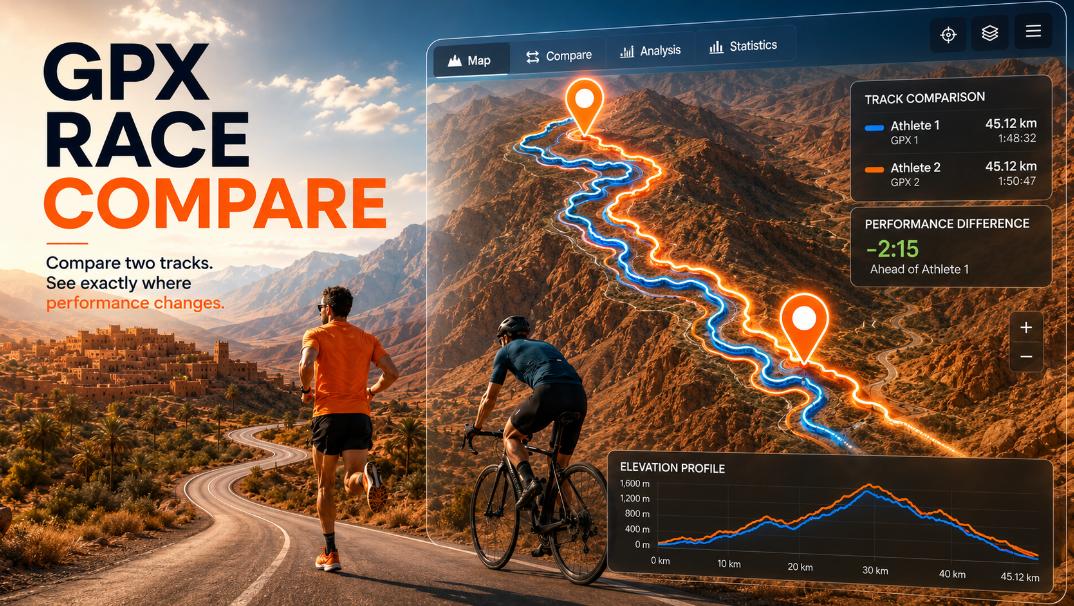
GPX Race Compare continues to evolve with new advanced tools designed for riders, runners, coaches and race analysts who want deeper insights from GPX race data.
The latest updates introduce:
- proximity analysis
- satellite maps
- advanced race playback controls
- manual timeline navigation
- improved race visualization
What is proximity analysis in GPX Race Compare?
The new proximity analysis feature allows you to understand how much of a race two athletes actually rode together.
Instead of only comparing final times, the tool analyzes the real distance between the two GPX tracks during the activity.
You can instantly see:
- how much of the route was ridden together
- when riders separated
- how long the gap lasted
- how close the athletes remained during the race
The analysis can be viewed using different proximity ranges:
- within 100 meters
- within 500 meters
- within 1 kilometer
This creates a much more realistic understanding of race dynamics.
Why proximity analysis is useful
Many races look similar in the final rankings but unfold very differently during the activity.
For example:
- two riders may finish only 2 minutes apart but spend most of the race separated
- another pair may ride together for 80% of the course before splitting near the finish
- one athlete may recover a gap multiple times during the race
Proximity analysis helps visualize these situations clearly.
This can be useful for:
- MTB races
- XC races
- gravel events
- trail running
- endurance events
- coaching analysis
- pacing studies
Satellite map mode
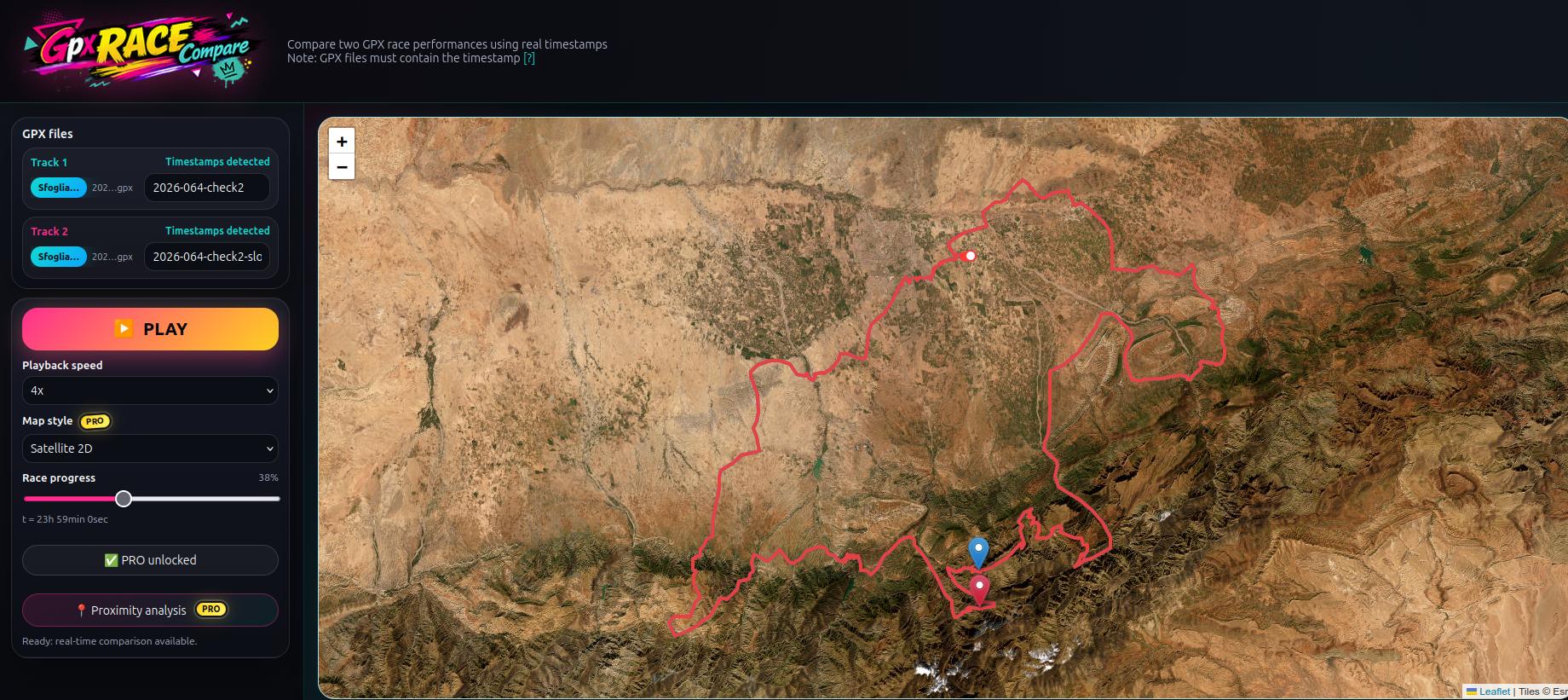
GPX Race Compare now also supports satellite map visualization.
This helps you better understand:
- technical terrain
- switchbacks
- climbs
- forest sections
- exposed mountain ridges
- urban race sections
Satellite maps are particularly useful for:
- MTB technical analysis
- downhill sections
- trail running terrain visualization
- gravel route comparison
The map mode can be switched directly inside the tool.
Real-time race replay with GPX timestamps
GPX Race Compare uses the original timestamps stored inside GPX files.
This means the replay reproduces:
- real accelerations
- slowdowns
- pacing changes
- stops
- race dynamics
The athletes move on the map according to their actual race timing rather than a generic animation.
For the best experience, GPX files should contain timestamps for every track point.
Adjustable playback speed
The replay system now includes multiple playback speeds.
You can:
- watch the race in real time
- accelerate the replay
- quickly inspect long events
- slow down technical sections
This is particularly useful for:
- marathon MTB races
- ultra trail races
- long gravel events
- endurance pacing analysis
Manual timeline navigation
One of the most useful additions is the draggable race timeline.
Instead of waiting for the replay to reach a section, you can:
- manually drag the cursor
- jump to any moment of the race
- instantly inspect attacks or recoveries
- compare specific race moments
This makes the analysis much faster and more interactive.
Compare races visually instead of only using statistics
Traditional GPX analysis tools mainly focus on:
- average speed
- split times
- elevation
- lap statistics
GPX Race Compare instead focuses on visual race comparison.
Seeing two riders move on the same route often reveals:
- tactical decisions
- pacing strategies
- technical strengths
- recovery moments
that are difficult to identify from numbers alone.
Practical use cases
Compare your race against the winner
Export your GPX and compare it against the winner’s activity to understand:
- where the gap increased
- where you stayed close
- where the decisive attack happened
Compare this year vs last year
Replay your current race against your own older GPX to evaluate performance improvements.
Analyze group rides
Check how long riders stayed together before splitting into smaller groups.
Coaching and training
Coaches can analyze:
- pacing consistency
- race dynamics
- technical performance sections
- endurance collapse moments
GPX Race Compare supports many devices
The tool works with GPX files exported from:
- Strava
- Garmin
- Wahoo
- Coros
- Suunto
- Polar
Any GPX file containing valid timestamps can be used for race replay.
Try GPX Race Compare
If you want to visually replay and compare two races using real GPX timing and advanced proximity analysis, try the tool here:
FAQ about GPX Race Compare
Can GPX Race Compare replay races in real time?
Yes. The tool uses the original GPX timestamps to reproduce the actual race timing.
What is proximity analysis?
Proximity analysis measures how much of the route two athletes completed close to each other within configurable distance ranges.
Does GPX Race Compare support satellite maps?
Yes. Satellite maps can be enabled to better visualize terrain and technical race sections.
Can I compare GPX files from Strava?
Yes. GPX files exported from Strava work correctly as long as timestamps are included.
Is GPX Race Compare useful only for cycling?
No. The tool can also be used for:
- trail running
- gravel races
- ultra events
- hiking comparisons
- endurance activities
Can I manually move through the race timeline?
Yes. The replay includes a draggable timeline slider that allows instant navigation to any point of the activity.